Sidebar Overview
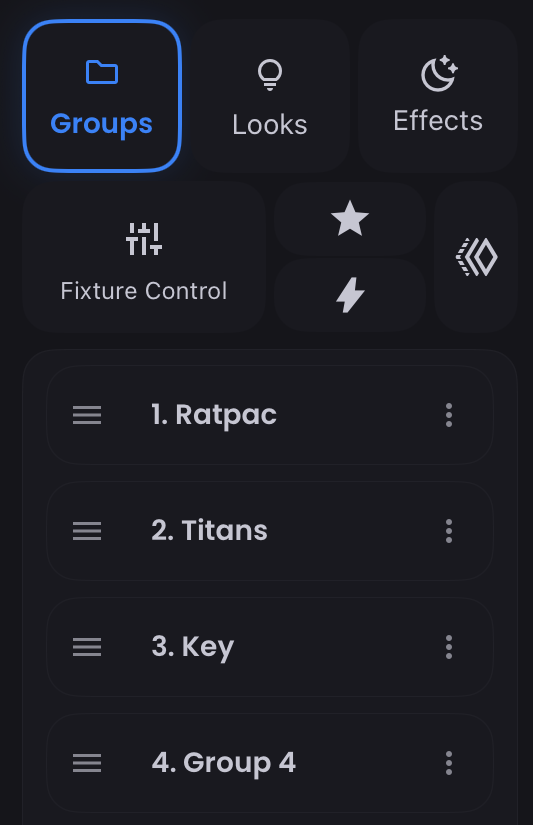
The Sidebar is a way to access all of the building blocks of lighting control. Switch between components using the Sidebar Navigator tabs at the top - each tab loads its corresponding elements or controls. In general you can perform some quick actions by tapping on the three-dots (more_vert) on an individual element (ie. Group, Macro) or by long-pressing on an item (ie. Look), while the full edit capabilities are in the feature's Expanded View. Double-tap or slide right on any tab to open its Expanded View.